

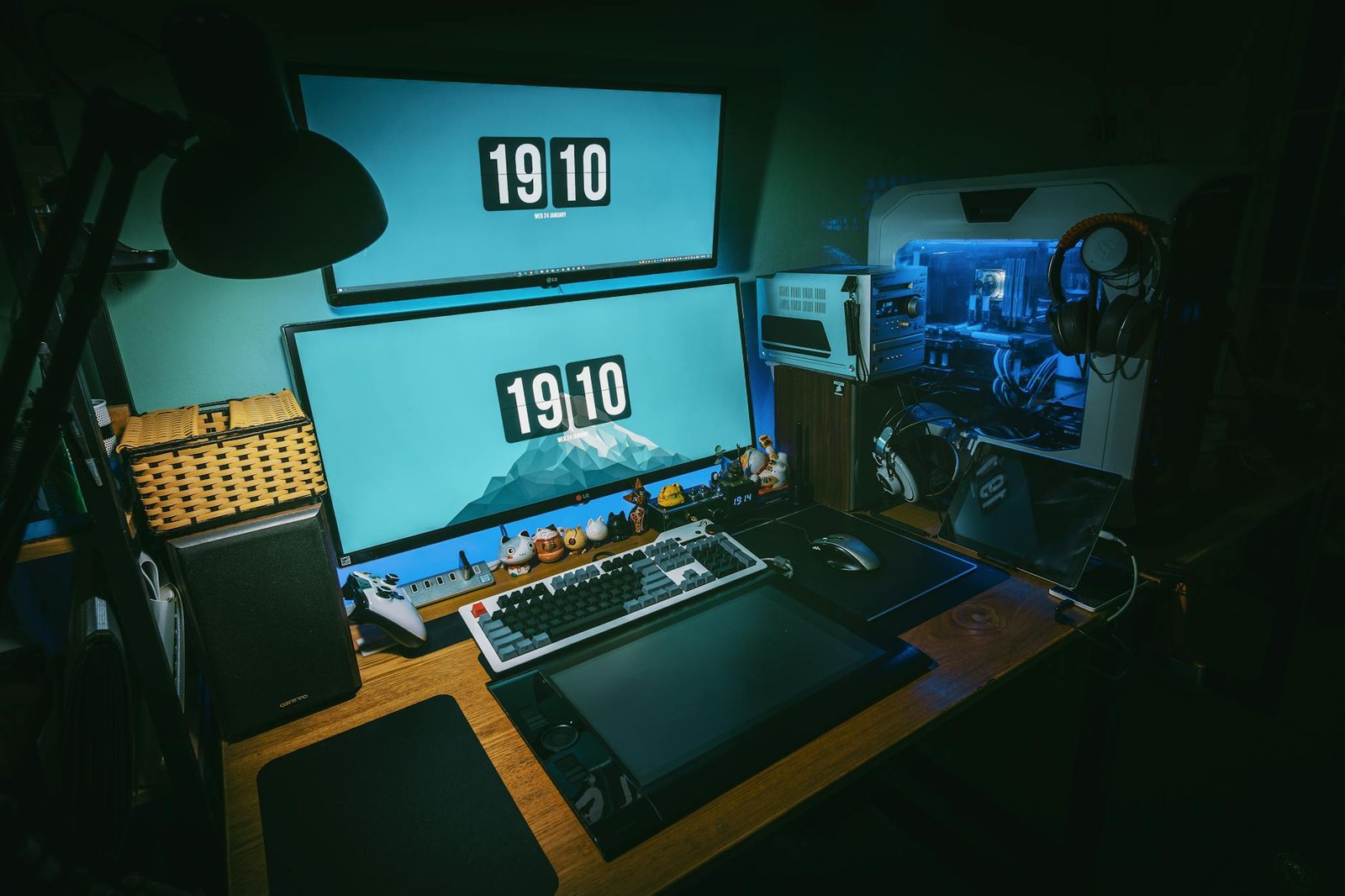
Choosing the right gaming monitor size is crucial for an immersive and competitive gaming experience. In 2026, with advancements in display technology and a wider array of options, understanding how to choose gaming monitor size has become more important than ever. This guide will walk you through the essential factors, strengths, and drawbacks of various monitor sizes, helping you make an informed decision that elevates your gameplay. For more, see our guide on Best Gaming Gear Reviews.
Disclaimer: This article provides general information and is not intended as medical advice. Consult with a healthcare professional for any health concerns, including eye strain or ergonomic setup.
Factors to Consider When Choosing a Monitor Size for Gaming
Selecting the ideal display size isn’t a one-size-fits-all decision. Several key factors influence what will work best for your setup and gaming habits. For more, see our guide on Cheap Gaming Accessories Under 50.
Viewing Distance and Desk Space
Your viewing distance from the monitor is paramount. A display that’s too large for a close viewing distance can lead to eye strain and make it difficult to take in the entire screen at once. Conversely, a display that’s too small for a distant viewing position can make details hard to discern. Research suggests that optimal viewing distances vary based on screen size and resolution, with closer distances generally preferred for competitive gaming to maximize field of view (BenQ, n.d.). For more, see our guide on Best Budget Gaming Keyboards Beginners.
Consider your desk space carefully. A massive display might look impressive, but if it overwhelms your desk, it can be impractical and uncomfortable. Measure your available space before committing to a particular dimension.
Resolution and Pixel Density
Display dimensions are intrinsically linked to resolution. A larger display with a low resolution will result in a lower pixel density, making the image appear pixelated or “fuzzy.” For example, a 27-inch 1080p monitor will have a noticeably lower pixel density than a 24-inch 1080p monitor. As screen sizes increase, so too should the resolution to maintain a sharp image. Common resolutions in 2026 include 1080p (Full HD), 1440p (QHD), and 4K (UHD) (Wikipedia, n.d.).
For competitive gaming, a higher pixel density can provide clearer visuals, allowing you to spot enemies or details more easily. However, higher resolutions demand more powerful graphics cards to maintain high frame rates.
Game Genres and Immersion
The types of games you play should heavily influence your display choice. For fast-paced competitive games like first-person shooters (FPS) or MOBAs, a smaller to medium-sized monitor (24-27 inches) is often preferred. This allows you to quickly scan the entire screen without excessive head movement, keeping all critical information within your central vision. Studies have even explored the impact of display size on aiming in FPS esports, suggesting that smaller displays can sometimes be advantageous for precision (ACM Digital Library, n.d.).
For immersive, single-player experiences, open-world games, or simulations, a larger display (27-34 inches or even ultrawide) can significantly enhance immersion. The expansive screen fills more of your peripheral vision, drawing you deeper into the game world.
Refresh Rate and Response Time
While not directly related to dimensions, refresh rate and response time are critical display specifications that should be considered alongside size. A high refresh rate (144Hz, 240Hz, or even 360Hz in 2026) and a low response time (1ms or less) ensure smooth, fluid motion and minimal input lag. These features are vital for competitive gamers, regardless of the screen’s dimensions. Ensure that your chosen display size doesn’t compromise on these performance metrics, especially if you’re aiming for a high-refresh-rate experience.
Strengths and Drawbacks of Different Display Sizes
Let’s break down the common display sizes and their respective advantages and disadvantages for gaming.
24-inch Monitors
- Strengths:
- Excellent for competitive FPS and esports due to easy screen scanning.
- Higher pixel density at 1080p compared to larger screens.
- More affordable, making high refresh rates more accessible.
- Ideal for smaller desk spaces.
- Drawbacks:
- Less immersive for open-world or cinematic games.
- May feel too small for some users, especially for productivity tasks.
- Strengths:
- Often considered the “sweet spot” for many gamers, balancing immersion and competitive play.
- Ideal for 1440p resolution, offering a great balance of visual fidelity and performance.
- Good for a variety of game genres.
- Drawbacks:
- 1080p can look pixelated at this size; 1440p or 4K is recommended.
- Requires a more powerful GPU to drive 1440p or 4K at high frame rates.
- Strengths:
- Highly immersive for single-player, open-world, and simulation games.
- Excellent for 4K resolution, providing stunning visual detail.
- Can double as a productivity display with ample screen real estate.
- Drawbacks:
- Can be too large for competitive gaming, requiring more head movement.
- Demands a top-tier GPU for high frame rates at 4K.
- Requires significant desk space.
- Higher cost.
- Strengths:
- Unparalleled immersion, especially in games that support the ultrawide aspect ratio.
- Provides a wider field of view, which can be advantageous in some games.
- Excellent for multitasking and productivity.
- Drawbacks:
- Not all games fully support ultrawide, leading to black bars on the sides.
- Can be expensive.
- Requires a powerful GPU.
- May not be ideal for competitive FPS where central focus is key.
- ACM Digital Library. (n.d.). Toward Understanding Display Size for FPS Esports Aiming. https://dl.acm.org/doi/10.1145/3723498.3723813
- BenQ. (n.d.). What’s the Best Viewing Distance for a Gaming Monitor? https://www.benq.com/en-us/knowledge-center/knowledge/whats-the-best-viewing-distance-for-a-1440p-gaming-monitor.html
- National Institutes of Health. (2026). At what distance should digital devices be viewed? https://pmc.ncbi.nlm.nih.gov/articles/PMC10920617/
- Wikipedia. (n.d.). List of common display resolutions. https://en.wikipedia.org/wiki/List_of_common_display_resolutions
27-inch Monitors
32-inch Monitors
Ultrawide Monitors (21:9 Aspect Ratio)
Key Workloads and Why Display Size Matters
Beyond general gaming, specific workloads benefit differently from various display sizes.
Competitive Gaming (Esports, FPS, MOBA)
For competitive gamers, smaller to medium-sized displays (24-27 inches) are generally preferred. The ability to quickly scan the entire screen for crucial information without excessive eye or head movement is paramount. A 24-inch 1080p or 27-inch 1440p display with a high refresh rate and low response time is often the go-to choice for esports professionals. The focus here is on performance and reaction time, where a larger screen can sometimes be a hindrance.
Immersive Single-Player and Open-World Games
If you primarily play graphically intensive, story-driven, or open-world games, a larger display (27-34 inches) or an ultrawide screen will significantly enhance your experience. The expansive visuals draw you into the game world, making exploration and cinematic moments more impactful. For these genres, immersion often takes precedence over the razor-sharp focus required for competitive play.
Content Creation and Productivity
While primarily a gaming guide, it’s worth noting that many gamers also use their displays for other tasks. For content creators, video editors, or those who multitask extensively, a larger display (32 inches or ultrawide) offers significant benefits. The increased screen real estate allows for multiple windows to be open side-by-side, improving workflow efficiency. High-resolution 4K displays are particularly beneficial for detailed work in graphic design or video editing.
Comparison Table: Gaming Display Sizes
Here’s a quick comparison to help you visualize the differences:
| Display Size | Ideal Resolution | Pros for Gaming | Cons for Gaming | Best For |
|---|---|---|---|---|
| 24-inch | 1080p | Competitive FPS, high refresh rates, affordability | Less immersive, smaller screen real estate | Esports, budget-conscious gamers |
| 27-inch | 1440p | Balanced immersion & competitive play, versatile | 1080p can look pixelated, requires good GPU | All-around gamers, 1440p enthusiasts |
| 32-inch | 4K | Deep immersion, stunning visuals, productivity | Demands powerful GPU, large desk space, high cost | Immersive single-player, content creators |
| Ultrawide (34-inch+) | 1440p/4K | Unparalleled immersion, wide FOV, multitasking | Game compatibility issues, high cost, powerful GPU needed | Simulations, open-world games, productivity |
Frequently Asked Questions
What is the best monitor size for competitive FPS games in 2026?
For competitive FPS games, a 24-inch to 27-inch monitor is generally considered ideal. This size allows players to quickly scan the entire screen for critical information without excessive eye or head movement, which is crucial for fast-paced gameplay and reaction times.
Is a 32-inch monitor too big for gaming?
A 32-inch monitor is not necessarily too big for gaming, but its suitability depends on your preferences and game genres. It offers incredible immersion for single-player and open-world games, especially at 4K resolution. However, for competitive titles, it might require more head movement, potentially putting you at a disadvantage. Ensure you have adequate desk space and a powerful GPU to drive it.
Does monitor size affect performance?
Monitor size itself does not directly affect gaming performance (frame rate). However, larger monitors typically come with higher resolutions (e.g., 1440p or 4K). Driving games at these higher resolutions requires significantly more processing power from your graphics card, which can lead to lower frame rates if your GPU isn’t powerful enough. So, indirectly, choosing a larger monitor often means choosing a higher resolution, which impacts performance.
What is the optimal viewing distance for a gaming monitor?
The optimal viewing distance for a gaming monitor varies based on its size and resolution. A general rule of thumb is to sit at a distance where you can comfortably see the entire screen without straining your eyes or needing to move your head excessively. For a 24-inch 1080p monitor, around 2-3 feet is common. For a 27-inch 1440p monitor, 2.5-3.5 feet. For larger 4K monitors, you might sit a bit further back to appreciate the detail and take in the whole image (NIH, 2026).
Conclusion
Choosing the right gaming monitor size in 2026 is a personal decision that balances your gaming style, available space, and budget. Whether you prioritize the lightning-fast reflexes demanded by esports on a 24-inch display or the breathtaking immersion of a 34-inch ultrawide, understanding the nuances of each size is key. Consider your viewing distance, desired resolution, and primary game genres to make a choice that will enhance your gaming experience for years to come. Explore options from top brands like Dell, Samsung, and a wide range of choices available on Amazon to find your perfect fit.
[…] The Logitech G502 Lightspeed continues its reign as a top contender in 2026, building on a legacy of ergonomic design and advanced features. This wireless marvel boasts a HERO 25K sensor, offering unparalleled accuracy and a customizable DPI range up to 25,600. Its adjustable weight system allows for personalized balance, a feature often overlooked but crucial for long gaming sessions. The Lightspeed wireless technology ensures a 1ms report rate, making it indistinguishable from a wired connection. For those seeking a versatile mouse that excels across genres, the G502 Lightspeed is an excellent investment. For more, see our guide on how to choose gaming monitor size. […]
[…] Before diving into specific products, consider your primary gaming genres. Are you an FPS enthusiast needing a lightweight, high-DPI mouse? An MMO player who benefits from extra programmable buttons? Or a casual gamer prioritizing comfort and aesthetics? Your playstyle dictates your ideal gear. For more, see our guide on how to choose gaming monitor size. […]