
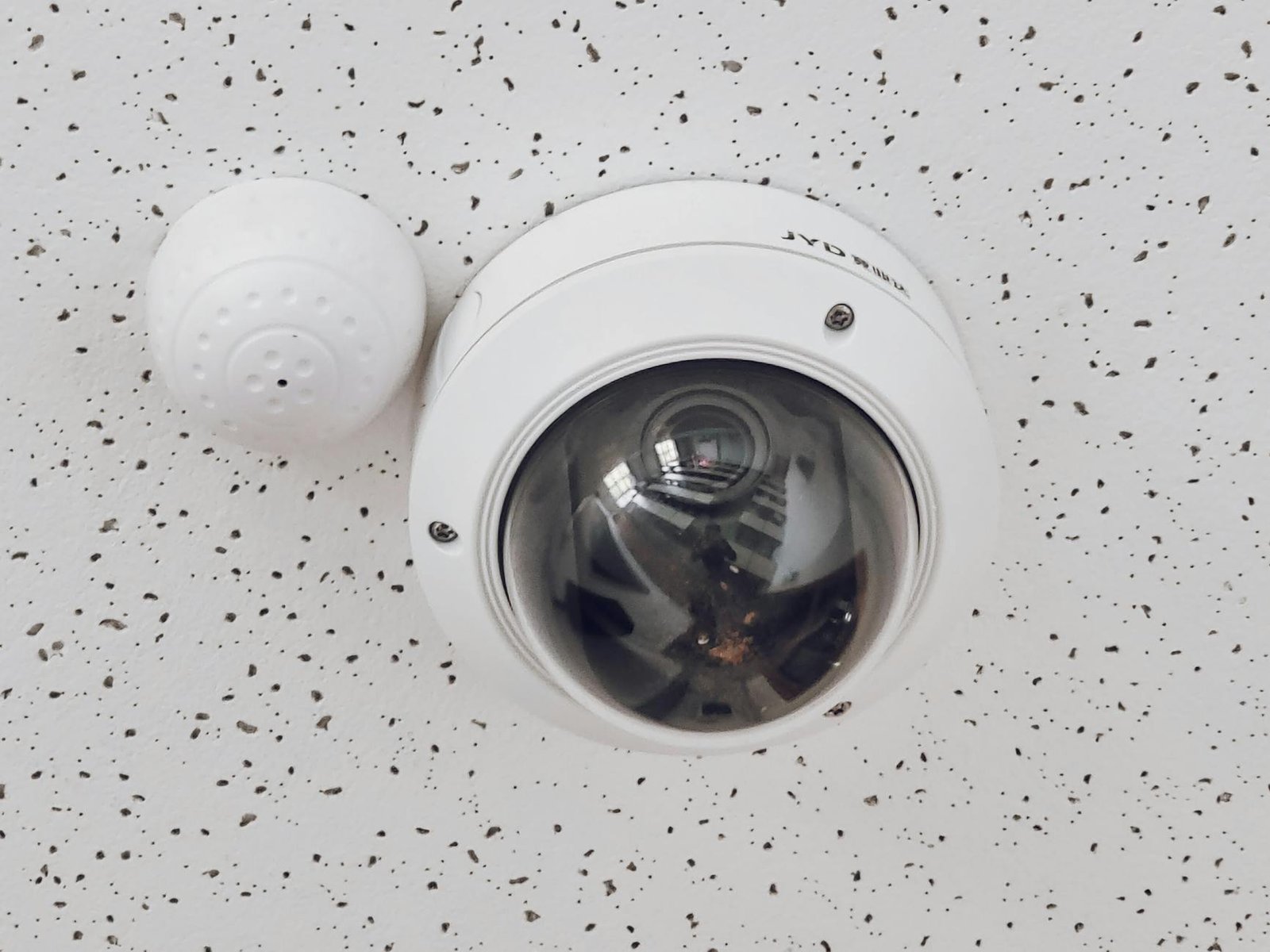
Taking control of your home’s security has never been easier, or more popular. With advancements in technology, a DIY home security system installation in 2026 offers a flexible, cost-effective, and highly customizable way to protect your property and loved ones. Gone are the days when professional installation was your only reliable option. Today, a wide array of user-friendly systems allows homeowners to set up robust security with minimal technical expertise. This guide will walk you through everything you need to know, from planning your system to the final setup, ensuring you have peace of mind without the recurring professional fees.
Why Choose a DIY Home Security System Installation?
The appeal of a do-it-yourself approach to home security is multifaceted. For many, it boils down to control and cost. When you handle the installation yourself, you gain a deeper understanding of your system’s components and how they work together. This knowledge can be invaluable for troubleshooting and future upgrades. Furthermore, DIY systems often come with lower upfront costs and eliminate the need for expensive monthly monitoring contracts, though many still offer optional professional monitoring services for a fee.
Beyond cost and control, DIY systems offer unparalleled flexibility. You can choose the exact components you need, from door and window sensors to motion detectors, security cameras, and smart home integrations. This allows you to tailor your security solution to the unique layout and vulnerabilities of your home. The installation process itself is designed to be straightforward, often involving wireless components that simply need to be placed and paired with a central hub. This makes a DIY home security system installation an accessible project for most homeowners.
Planning Your DIY Home Security System
A successful DIY installation begins with thorough planning. Rushing into purchases without a clear strategy can lead to gaps in your security coverage or unnecessary expenses. Consider these key aspects before you buy:
Assess Your Home’s Vulnerabilities
Walk around your home, both inside and out, with a critical eye. Identify potential entry points, such as easily accessible windows, sliding glass doors, or basement entrances. Note areas where valuable items are stored, or where blind spots might exist for outdoor cameras. Think about your daily routines and how they might impact security – for example, if you frequently leave a certain door unlocked, that’s a prime candidate for a sensor.
Determine Your Security Needs
What are you trying to protect against? Burglary is a common concern, but you might also want to monitor for fire, carbon monoxide, or water leaks. Do you need indoor cameras to check on pets or children? Outdoor cameras for package delivery or suspicious activity? Consider whether you want a system that integrates with other smart home devices, like smart locks or lighting.
Choose Your System Components
Most DIY systems are modular, allowing you to build a custom setup. Common components include:
- Control Panel/Hub: This is the central brain of your DIY security system, connecting all your devices and often featuring a built-in siren. When choosing a hub, look for models with cellular backup, which ensures your system remains operational and can send alerts even if your internet goes down. A battery backup is also crucial to maintain security during power outages.
- Door and Window Sensors: These small, two-part devices detect when an entry point is opened. Consider magnetic contact sensors for standard doors and windows, and glass break sensors for added protection against forced entry through windows. Some advanced sensors also include tamper detection, alerting you if someone tries to remove them.
- Motion Detectors: Designed to trigger an alarm when movement is detected in a designated area, motion detectors are vital for covering larger spaces. Modern detectors often feature pet immunity settings, which can differentiate between humans and smaller animals, significantly reducing false alarms.
- Security Cameras: Available in indoor and outdoor options, cameras provide visual monitoring and deterrence. Key features to look for include high-definition (1080p or 4K) resolution for clear footage, a wide field of view, and robust night vision capabilities. Consider options with two-way audio for communication, and evaluate storage solutions – local (SD card) vs. cloud storage (subscription often required) – based on your privacy and access needs.
- Environmental Sensors: For comprehensive protection, integrate sensors for smoke, carbon monoxide, and water leaks. These can provide early warnings for non-intrusion emergencies, protecting both your property and family.
- Keypads/Key Fobs: These provide convenient ways to arm and disarm your system. Keypads are typically mounted near entryways, while key fobs offer portable control, similar to a car remote.
- Smart Home Integrations: Many DIY systems seamlessly integrate with popular smart home platforms like Amazon Alexa, Google Assistant, and Apple HomeKit. This allows for advanced automation, such as having your smart lights turn on if an alarm is triggered, or controlling your security system with voice commands.
Consider Connectivity and Power
Most DIY systems are wireless, relying on Wi-Fi or a proprietary radio frequency to communicate. Ensure your home has strong Wi-Fi coverage, especially in areas where you plan to place cameras or sensors. Battery life is also a factor for wireless components, so consider how often you’ll need to replace or recharge them. Some cameras may require a power outlet, so plan their placement accordingly.
Popular DIY Home Security Systems and What to Look For
The market for DIY home security systems is robust, with several reputable brands offering diverse features and ecosystems. Understanding the strengths of each can help you make an informed decision tailored to your needs. Here are a few popular options and what makes them stand out:
SimpliSafe
Known for its ease of installation and straightforward approach, SimpliSafe offers a range of wireless sensors, cameras, and environmental detectors. Their systems are highly customizable, allowing you to start with a basic kit and expand as needed. SimpliSafe is particularly praised for its optional professional monitoring plans, which are often more affordable than traditional security companies, and its robust cellular backup for uninterrupted protection.
Ring Alarm
Part of the Amazon ecosystem, Ring Alarm systems integrate seamlessly with Ring doorbells and cameras, creating a unified security experience. Installation is simple, and the system offers a variety of sensors, motion detectors, and a user-friendly app. Ring’s strength lies in its extensive range of interconnected devices and its affordable professional monitoring plan, which also includes video recording for all Ring cameras.
Arlo
While primarily known for its high-quality wireless security cameras, Arlo also offers a comprehensive security system that integrates its award-winning cameras with sensors and a siren. Arlo systems are ideal for those prioritizing advanced video features, such as 4K resolution, color night vision, and smart object detection. Their modular design allows users to build a robust surveillance network with optional professional monitoring.
Wyze Home Monitoring
Wyze offers an extremely budget-friendly entry into DIY home security. While their individual devices (cameras, sensors) are very affordable, their home monitoring service provides professional monitoring at a competitive price. Wyze is a great option for those looking for basic, reliable security without breaking the bank, though it might lack some of the advanced features found in more premium systems.
What to Consider When Choosing a Brand:
- Ecosystem Integration: Do you already have smart home devices (e.g., Alexa, Google Home)? Choose a system that integrates well with your existing setup.
- Monitoring Options: Decide if you prefer self-monitoring or professional monitoring, and compare the costs and features of each brand’s plans.
- Component Variety: Ensure the brand offers all the specific sensors, cameras, and detectors you need for your home’s unique vulnerabilities.
- Ease of Use: Look for systems with intuitive mobile apps and straightforward installation processes.
- Customer Support: Research customer reviews regarding technical support and warranty policies.
Step-by-Step DIY Home Security System Installation Guide
Once you’ve planned your system and gathered your components, it’s time for the DIY home security system installation. While specific steps may vary slightly between brands, the general process remains consistent.
Step 1: Set Up the Control Panel/Hub
This is the central command center for your system.
- Choose a central location: Place the hub in a secure, central location in your home, ideally near your internet router for a strong connection. Avoid placing it in a hidden corner where its siren might be muffled.
- Connect to power and internet: Plug the hub into a power outlet. Most hubs connect to your home internet via Wi-Fi, but some may offer an Ethernet port for a wired connection. Follow the manufacturer’s instructions to connect it to your network.
- Download the app: Install the system’s dedicated mobile app on your smartphone or tablet. This app will be your primary interface for controlling and monitoring your system.
- Create an account: Follow the in-app prompts to create your account and register your hub.
Step 2: Install Door and Window Sensors
These are crucial for detecting unauthorized entry.
- Identify placement: Place sensors on all exterior doors and easily accessible windows (ground floor, basement, or those near fire escapes).
- Clean the surface: Ensure the surface where you’re attaching the sensor is clean and dry for optimal adhesion.
- Attach the sensor: Most sensors consist of two parts: a main sensor and a magnet. Attach the main sensor to the door or window frame and the magnet to the door or window itself, ensuring they are aligned and within the manufacturer’s recommended distance (usually a few millimeters). Use the adhesive strips provided or small screws if preferred.
- Test the sensor: Open and close the door/window to confirm the sensor registers the action in your app.
Step 3: Place Motion Detectors
Motion detectors provide coverage for larger areas.
- Strategic placement: Install motion detectors in high-traffic areas, hallways, or rooms with multiple entry points. Aim for corners that provide a wide field of view.
- Avoid false alarms: Position them away from heat sources (vents, direct sunlight), large windows where pets might trigger them, or areas with constantly moving objects (curtains, ceiling fans).
- Mounting: Use the provided adhesive or screws to mount the detector at the recommended height (typically 6-8 feet off the ground).
- Test coverage: Walk through the detection area to ensure it triggers in your app and covers the desired space.
Step 4: Install Security Cameras
Cameras offer visual verification and deterrence.
- Indoor camera placement: Place indoor cameras in common areas, facing entry points or valuable items. Consider areas where you want to monitor pets or children.
- Outdoor camera placement: Mount outdoor cameras to cover entryways, driveways, and vulnerable perimeter areas. Ensure they are out of easy reach and have a clear, unobstructed view.
- Power and connectivity: If wired, ensure a power outlet is nearby. For wireless cameras, confirm strong Wi-Fi signal strength.
- Mounting: Use the provided mounting hardware to securely attach the cameras. Adjust the angle for optimal coverage.
- Configure in app: Follow the app’s instructions to pair the cameras with your system, set up recording preferences, and enable features like motion detection alerts.
Step 5: Add Environmental Sensors (Optional)
For comprehensive protection, integrate smoke, CO, or water leak detectors.
- Placement: Install smoke and CO detectors according to local building codes (typically on every level, inside and outside sleeping areas). Place water leak detectors in basements, near water heaters, or under sinks.
- Pairing: Follow the manufacturer’s instructions to pair these sensors with your main hub via the app.
- Testing: Test each sensor to ensure it communicates correctly with the system.
Step 6: Configure and Test Your System
The final step is crucial for ensuring everything works as expected.
- Customize settings: Use the mobile app to customize settings such as alarm delays, notification preferences, and arming/disarming schedules.
- Create user codes: Set up unique PINs for family members or trusted individuals who need to arm or disarm the system.
- Full system test: Arm your system and intentionally trigger each sensor (open a door, walk past a motion detector) to confirm the alarm sounds and you receive notifications.
- Practice arming/disarming: Ensure everyone in the household knows how to properly arm and disarm the system to avoid false alarms.
- Consider professional monitoring: If your system offers it, decide if you want to subscribe to professional monitoring for added peace of mind. This means a monitoring center will respond to alarms and dispatch emergency services if needed.
Maintaining Your DIY Home Security System
A DIY system requires ongoing maintenance to ensure its effectiveness and longevity. Regularly check battery levels in all wireless components – door/window sensors, motion detectors, and key fobs – and replace them promptly when the app indicates they are low. Keeping spare batteries on hand can prevent lapses in security. Periodically clean camera lenses with a soft cloth to maintain clear footage, especially for outdoor cameras exposed to the elements. Dust and cobwebs can obscure views and trigger false motion alerts.
It’s crucial to test your entire system at least once a month. This includes arming and disarming, triggering each sensor individually, and verifying that the siren sounds and you receive notifications on your mobile device. Pay special attention to testing after power outages, internet disruptions, or any changes to your home network, as these can sometimes affect system connectivity. If you have professional monitoring, inform them before conducting a full system test to avoid dispatching emergency services unnecessarily.
Always keep your system’s software and firmware updated through the dedicated mobile app. Manufacturers frequently release updates that include new features, performance improvements, and critical security patches. Ignoring these updates can leave your system vulnerable or lead to compatibility issues. Finally, practice good digital hygiene: use strong, unique passwords for your security system account and enable two-factor authentication if available, to protect against unauthorized access.
Conclusion: Secure Your Home, Your Way in 2026
A DIY home security system installation in 2026 empowers you to create a robust, personalized, and cost-effective security solution for your home. By carefully planning, selecting the right components, and following a systematic installation process, you can achieve professional-grade protection without the professional price tag. Remember to regularly maintain your system to ensure its continued reliability. Take the first step towards a safer home today and explore the wide range of DIY security options available. Your peace of mind is just a few steps away.
Ready to build your own home security system? Shop for DIY home security components at Home Depot or explore options at Build.com.
For a broader overview of the best systems available, check out our guide on the Best Home Security Systems — 2026 Buyer’s Guide.
Frequently Asked Questions About DIY Home Security Systems
Q: How difficult is a DIY home security system installation?
A: Most modern DIY home security systems are designed for easy installation by homeowners with basic tools and minimal technical knowledge. Many components are wireless and simply adhere to surfaces or plug into outlets. The most challenging part is often the initial planning and configuration through the mobile app, but clear instructions are usually provided.
Q: Do DIY security systems require a monthly subscription?
A: Not always. Many DIY systems offer self-monitoring options, meaning you receive alerts directly to your phone without a monthly fee. However, most brands also offer optional professional monitoring plans for a recurring cost, which provides 24/7 monitoring and emergency dispatch services.
Q: Can I integrate a DIY security system with my smart home devices?
A: Yes, many DIY home security systems are designed to integrate seamlessly with popular smart home platforms like Amazon Alexa, Google Assistant, and Apple HomeKit. This allows you to control your security system with voice commands, automate actions with other smart devices, and manage everything from a single app.
Q: What happens if my internet goes out with a DIY wireless system?
A: Most reliable DIY wireless systems include a cellular backup option. If your internet connection is lost, the system can switch to cellular data to continue communicating with the monitoring center (if subscribed) and send alerts to your phone. This ensures your home remains protected even during internet outages.
Q: Are DIY home security systems as effective as professionally installed ones?
A: When properly planned and installed, a DIY home security system can be just as effective as a professionally installed one for deterring intruders and alerting you to emergencies. The key is to choose a reputable system, strategically place your components, and regularly test and maintain it. The main difference often lies in the level of hands-on involvement required from the homeowner.
Q: What’s the average cost of a DIY home security system?
A: The cost of a DIY home security system can vary widely depending on the brand, the number of components, and the features you choose. Starter kits can range from $150 to $500, with additional sensors and cameras adding to the total. Compared to professionally installed systems, DIY options generally have lower upfront costs and often allow you to avoid long-term contracts.
Q: How often should I test my DIY home security system?
A: It’s recommended to test your DIY home security system at least once a month. This includes checking battery levels, ensuring all sensors are communicating with the hub, and verifying that alarms and notifications are functioning correctly. Regular testing helps ensure your system is always ready to protect your home.
Q: Can I expand my DIY home security system later?
A: Yes, one of the major advantages of DIY systems is their modularity and scalability. You can typically add more sensors, cameras, or other smart home devices to your system as your needs evolve or as you expand your home’s coverage. This flexibility allows you to customize your security solution over time.